How AI Agents Work Inside Systems That Have No API
The clean API fantasy
Read modern software marketing, and you would assume the entire corporate world runs on modern cloud applications connected by flawless application programming interfaces (APIs). In this idealized vision, systems talk to each other in milliseconds, sending structured data back and forth without a single glitch.
Anyone responsible for running an actual business knows this is a fantasy.
In the real world, the tools that power commercial commerce are messy, fragmented, and frequently decades old. Mid-to-large businesses rely daily on proprietary government customs portals, legacy desktop billing applications, supplier web portals that have not changed layout since 2011, and terminal-based inventory systems.
These platforms rarely offer modern APIs. Even when an API theoretically exists, accessing it often requires six-figure enterprise licensing fees, months of vendor approvals, or custom development work that legacy software vendors have little interest in delivering.
For years, this lack of clean connectivity was a complete dead end for automation. If a system lacked an API, an organization had only one option: hire employees whose entire job was to sit in front of a monitor, read information from one screen, and manually type it into another.
Modern artificial intelligence has fundamentally dismantled this barrier. Understanding how ai agents legacy systems without api operate unlocks automation for the real-world software environments serious businesses actually depend on.
Why traditional scripts fail on messy screens
Before examining how intelligent agents solve this challenge, it is worth understanding why earlier technologies—specifically traditional robotic process automation (RPA)—struggled so severely in environments without APIs.
Traditional screen automation relied on rigid, literal scripts. A developer would configure a bot to click at an exact set of screen coordinates: pixel position (X: 420, Y: 310), type a text string, and press the Enter key.
This brittle mechanism broke the moment the visual environment changed even slightly:
- If a screen resolution differed on another workstation, the bot clicked empty whitespace.
- If a web portal updated its header banner or added an informational pop-up notice, the target field shifted by twenty pixels, causing the automation to fail instantly.
- If a legacy desktop screen experienced a slight rendering delay or network lag, the script continued firing keystrokes into a blank window.
Traditional bots were blind. They mimicked physical keystrokes, but possessed no comprehension of what was actually appearing on the display.
How AI agents interact like human operators
Modern AI agents approach a legacy screen the way a human being does: through visual perception, spatial reasoning, and continuous feedback.
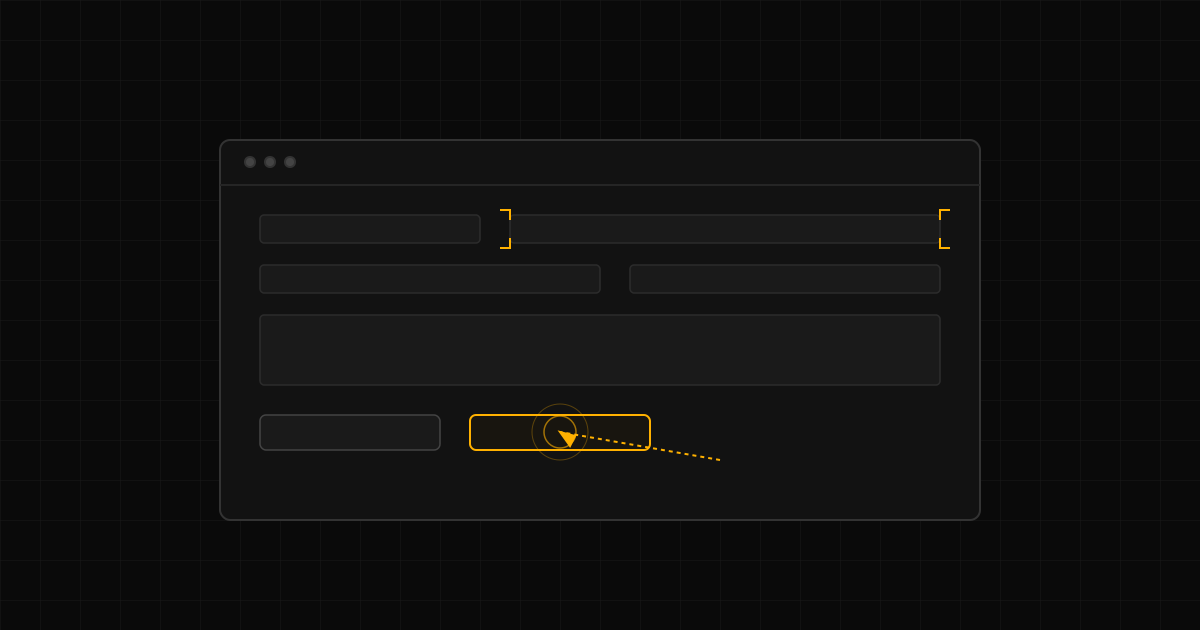
Rather than relying on hard-coded pixel coordinates, an AI agent treats the screen as an interactive visual environment. It observes the display, understands the layout, navigates menus, identifies input fields, and confirms that an action succeeded before moving to the next step.
Here is the mechanical sequence of how an agent operates inside a system with no API:
1. Visual perception and interface parsing
When an agent accesses a legacy portal or application, it captures the visual state of the interface. Using multi-modal vision and layout parsing, it interprets the components on screen semantically.
It does not look for an exact pixel location. It looks for the concept:
- It identifies that a rectangular box with the label "Reference Number" beside it is the target input field, regardless of where that field is placed on the screen.
- It recognizes navigation elements—such as tabs, sub-menus, search buttons, and drop-down selectors—even if the website's layout updates or changes color scheme.
- It reads data from unstructured tables, scanned PDFs, or legacy grids, understanding that column headers correspond to the data rows below them.
2. Navigating authentication and security
Interacting with external portals requires disciplined credential management. An agent is deployed with dedicated service credentials, logging into portals using standard protocols.
It handles multi-step login flows, navigates to the appropriate departmental sub-menus, and can prompt authorized human staff for multi-factor authorization codes when a portal requires real-time mobile verification.
3. Executing bounded keyboard and pointer actions
Once the agent locates the correct screen and input fields, it executes the necessary operational sequence:
- It moves a virtual cursor to the field and activates it with a click.
- It types the required operational data, formatting entries according to the system's specific requirements (e.g., date formats or uppercase identifiers).
- It selects appropriate drop-down options, checks necessary validation boxes, and triggers submission buttons.
4. Verification and feedback loops
Crucially, a well-engineered agent does not simply click a button and assume the task succeeded. It waits for the system's visual response:
- It watches for the confirmation banner or updated status badge confirming that the record was saved.
- If the portal returns an error—such as "Purchase order already closed" or "Invalid postal code"—the agent reads and interprets the exact error message.
- Instead of crashing silently, it evaluates the error. If the issue can be corrected from known contextual data, it adjusts the entry and retries. If the error represents a genuine operational block, it captures a screenshot, logs the issue, and alerts the supervising manager with the exact details.
The operational security architecture
Allowing software agents to interact directly with internal screens naturally raises security and governance questions. Operating without APIs does not mean operating without controls.
A robust enterprise implementation relies on strict architectural boundaries:
- Isolated virtual environments: Agents do not share physical workstations with human employees. They execute inside dedicated, secure virtual machines or sandboxed browser environments with strictly monitored network access.
- Role-based credentials: Agents are assigned dedicated user accounts with permissions limited solely to the specific screens and actions required for their assigned workflow. They never share executive master credentials.
- Complete visual audit trails: Every screen interaction, keystroke, and visual state change is recorded in an immutable operational log. If an auditor or manager needs to verify why an entry was made, they can review the exact visual recording of the agent executing the task.
- Hard intervention stops: Any transaction exceeding defined commercial thresholds or requiring exceptional authorization is paused, automatically routing to an executive dashboard for human review before the final submission button is clicked.
Unlocking the real-world enterprise
The practical reality of mid-to-large business operations is that legacy tools, supplier portals, and proprietary screens are not going away. Replacing them would cost millions, disrupt day-to-day fulfillment, and alienate long-term commercial partners.
Waiting for every partner and vendor to build clean, open APIs is a strategy that guarantees operational paralysis.
By equipping AI agents with the ability to navigate, interpret, and operate software interfaces exactly like human staff members, businesses can finally bridge their legacy systems with modern operational workflows.
Your human teams are liberated from hours of mechanical data entry and portal navigation, while your core operations gain the speed, consistency, and round-the-clock reliability of autonomous execution.
Find out what your business can stop doing by hand.
In 20 minutes, we map your workflow and show you where an AI OS fits. No pitch. Just the diagnosis.
Book a call